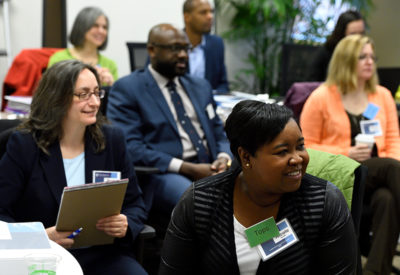
As a research institution, we’re all about learning—and we want to ensure that faculty and staff at every level have ample opportunity to pursue professional growth through a variety of avenues.
Whether you’re seeking skills to better perform your current work or want to acquire know-how for the job you’d like to land next, we’ve got a host of resources, from online and in-person classes to books, podcasts, and more. Our team also can help managers and supervisors with performance management, employee engagement, and organization development to optimize team effectiveness.
To explore our training opportunities and sign up for courses, click this link to myLearning.
 It’s never been more important to build a supportive and inclusive culture. Diversity training helps us to appreciate, respect, and interact with individuals from other groups. Follow the link below to find books, videos, and courses to deepen your understanding of this crucial issue.
  Advance your career – or just learn something new-with